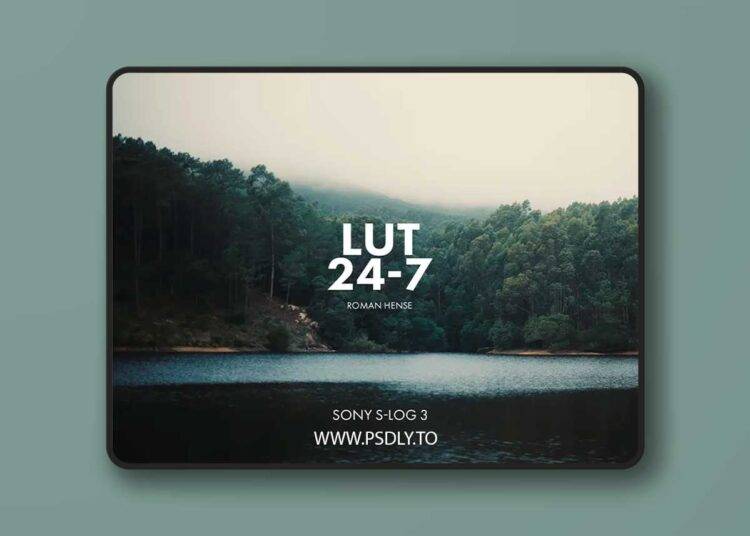
这套电影感 LUT 可用于 Adobe Premiere、DaVinci Resolve 和 Final Cut Pro。在 Premiere 中,先创建调整图层并应用 Lumetri 颜色,再对原始视频应用 Lumetri 颜色完成曝光、色温、对比度、饱和度、阴影与光线等基础设置;在 LUT 选项卡中为 S-Log3 应用 LUT-24-7。阳光强烈、画面过亮时可将 LUT 强度设为 90%,画面过暗时则反向调整。
素材预览


资源信息
- 原文章标题:Roman Hense – LUTs 24-7 for Sony S-Log3
- 原分类:Plug-ins
- 文件大小:6 MB
- 原标签:luts
原始资源说明
cinematic look I use it in Adobe Premiere: 1. I create an adjustment layer and apply Lumetri color to it. 2. I am applying Lumetri color to the original video. to make all the basic settings there, such as: exposure, temperature, contrast, saturation, shadows and light. and I also sometimes set the LUT intensity to 90% for particularly bright shots in bright sunshine, or vice versa if the shot turned out to be too dark. 3. In the adjustment layer in the LUT tab, I apply my LUT-24-7 for SLOG-3. You can use it in Adobe Premiere, DaVinci Resolve and Final Cut Pro
下载信息
此处内容需要权限查看
会员免费查看资源编号:PSDLY-LUTS-eda4918296