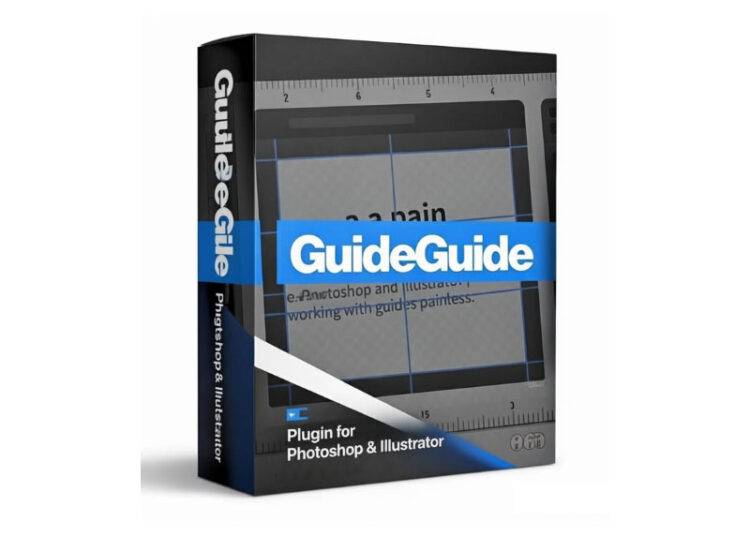
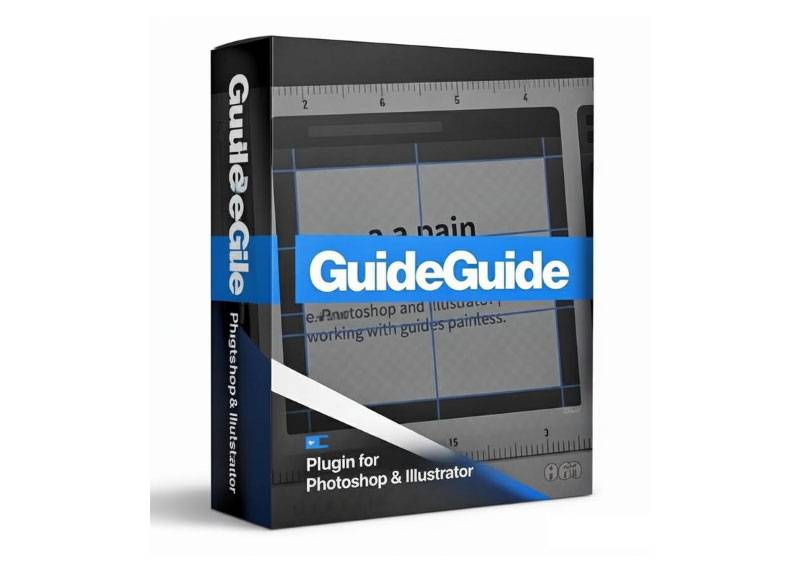
GuideGuide 是面向设计师、艺术家和动态图形编辑的网格与参考线插件,可替代繁琐的手动对齐操作。用户只需输入简单数值,即可基于整个画布、特定画板或当前选区快速生成行、列、中点及基线网格,从而在 Photoshop、Illustrator 等软件中实现像素级精准布局。
素材预览
资源信息
- 原文章标题:GuideGuide v5.020 for Photoshop & Illustrator
- 原分类:After Effect
- 文件大小:198.20 KB
- 原标签:Plug-ins、Download Alerts & Free Assets on Telegram、Join、More、Download、Aescripts – Motion Butter v1.0.0、…、Aescripts – AI Depth of Field v1.3.9
原始资源说明
GuideGuide: The Ultimate Grid and Guide Extension for Creative Professionals For designers, artists, and motion graphics editors, precision is the difference between a good project and a masterpiece. Yet, the native tools for creating grids and guides in industry-standard software are often clunky, rigid, and time-consuming. GuideGuide is the essential plugin designed to eliminate the friction of manual alignment, offering a powerful, flexible, and intuitive solution for creating pixel-perfect layouts across your favorite design applications. Whether you’re working in Photoshop, Illustrator, InDesign, Figma, or After Effects, GuideGuide transforms the way you approach layout. Instead of dragging individual guides or performing mental math to calculate gutter widths, GuideGuide allows you to enter simple values and generate complex grids instantly. You can create rows, columns, midpoints, and baseline grids based on the entire canvas, a specific artboard, or even a current selection. This level of contextual awareness means your grid always fits exactly where you need it, when you need it. GuideGuide goes far beyond basic “smart guides.” It introduces Grid Notation , a versatile syntax that allows power users to build sophisticated, reusable templates. You can mark the edges of objects, find the exact center of a selection, and even create grids based on the Golden Ratio or Fibonacci sequences. For those who frequently revisit specific layouts, the ability to save custom presets ensures that your signature styles are just one click away, maintaining consistency across multiple documents and projects. The beauty of GuideGuide lies in its seamless integration. It is built to look and feel like a native part of the app you’re using, minimizing the learning curve while maximizing productivity. It handles the “whack-ass ideas” that built-in tools often ignore—like creating grids based on aspect ratios or building grids within other grids. By taking the “math” out of design, it frees you to focus on the purely creative aspects of your work. From solo freelancers to enterprise design teams, GuideGuide offers flexible licensing tiers—The Expert, The Polymath, and The Benefactor—to suit your specific needs. Developed and maintained by Cameron McEfee, a former creative director who understands the pain points of the industry, GuideGuide is a reliable, professional-grade tool that has become a staple in the design community. Stop wrestling with manual guides and start designing with the precision and speed of a pro.
下载信息
此处内容需要权限查看
会员免费查看资源编号:PSDLY-PLUGINS-c2c6810e7b