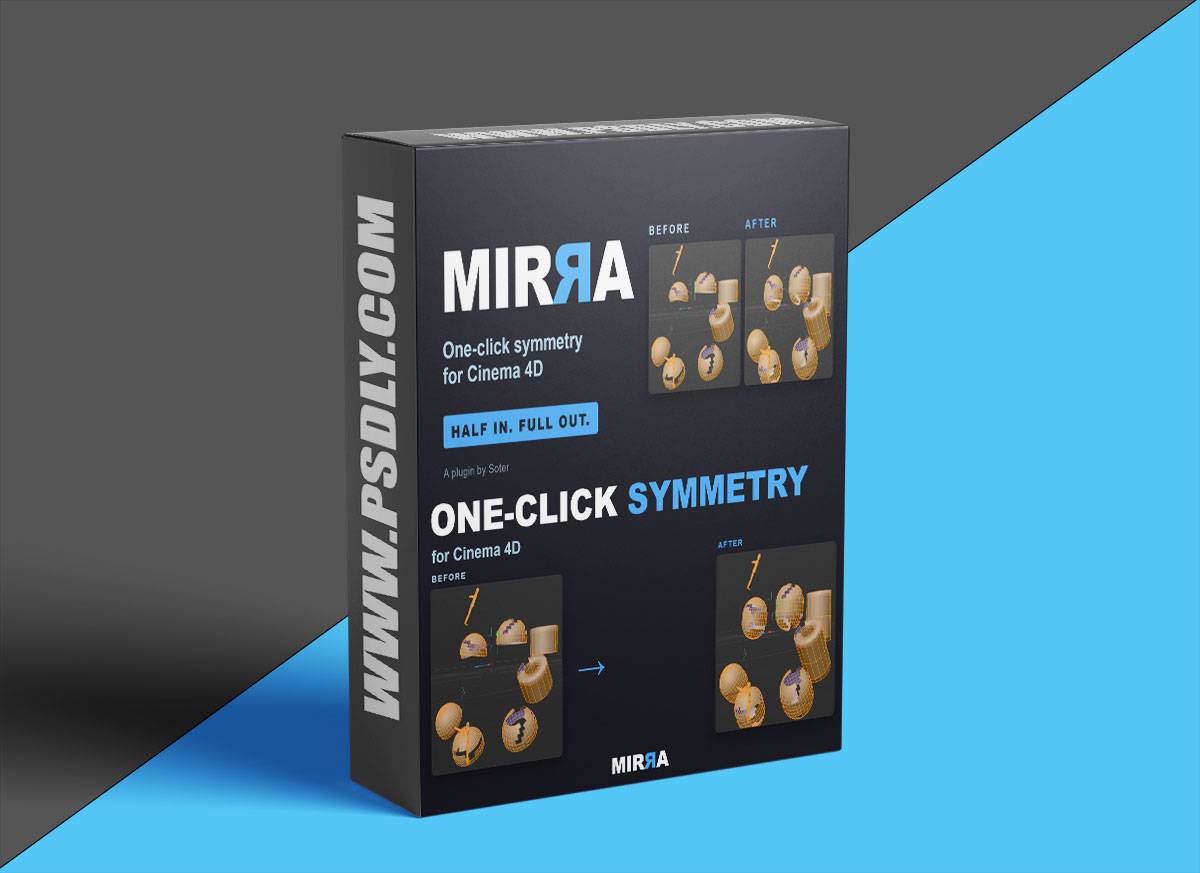
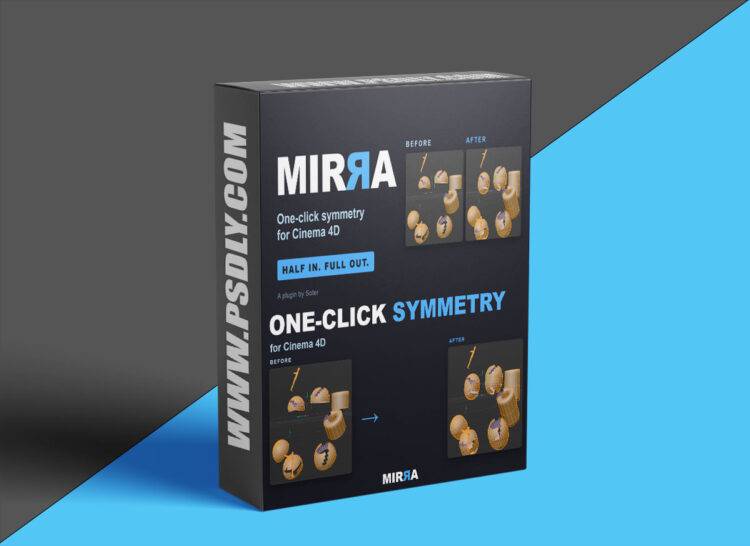
MIRЯA 可一键镜像所选多边形,能从选区边缘的孔洞自动识别对称平面,也支持沿世界坐标轴或围绕对象锚点进行镜像。提供 X、Y、Z 经典对称模式,并包含锚点对象、循环模式及循环 v.2 模式;后者以绿色轮廓显示平面,可实时切换孔洞并单独设置各独立区块的对称。可选择保留全部多边形或仅保留新增多边形,适用于单个对象、多个对象及同一对象内的独立区块。
素材预览

资源信息
- 原文章标题:Aescripts – MIRЯA v1.0.0
- 原分类:Plug-ins
- 文件大小:54.35 MB
- 原标签:Plug-ins、Download Alerts & Free Assets on Telegram、Join、More、Download、Aescripts – Motion Butter v1.0.0、…、Aescripts – AI Depth of Field v1.3.9
原始资源说明
MIRЯA mirrors selected polygons with one click. It finds the symmetry plane automatically from a hole in your selection, or mirrors along the world axes or around the object’s anchor point. Classic symmetry along X, Y and Z, including only the selected polygons Anchor Object: mirror relative to the object’s own center Loop mode: detects the symmetry plane automatically from the hole at the edge of your selection Loop v.2 mode: green outlines show the plane; switch between holes (for example on a cylinder without caps) in real time and set the symmetry for each island individually Choose whether all polygons or only the new ones stay selected Works with single objects, multiple objects and separate islands inside one object
下载信息
此处内容需要权限查看
会员免费查看资源编号:PSDLY-PLUGINS-f5ac0ba514