SolidWorks电气线束设计实战教程
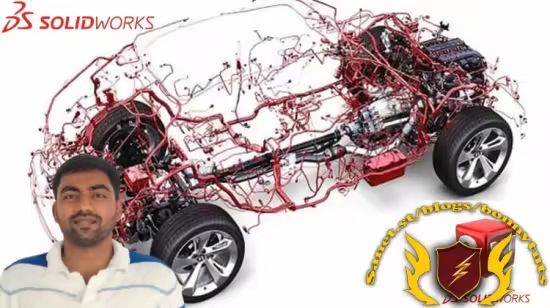
学习从3D模型到2D图纸的专业线束设计,掌握自动与手动布线、展平、生成BOM及线缆清单等核心技能。适合所有级别用户,56分钟快速上手。
Published 10/2025
Created by Yash Patil
MP4 | Video: h264, 1280×720 | Audio: AAC, 44.1 KHz, 2 Ch
Level: All | Genre: eLearning | Language: English | Duration: 5 Lectures ( 56m ) | Size: 583 MB
Design, Route, and Document Professional Wiring Harnesses from 3D model to 2D drawings
Requirements
Computer with Solidworks installed with Electrical Add-in required.
Description
What You Will Learn:Upon completing this course, you will be able to:Master 3D Harness Routing: Efficiently route wires and cables in complex 3D assemblies using automatic and manual techniques.Generate Manufacturing Documentation: Create professional, industry-standard drawings directly from your 3D models.Perform Harness Flattening: Generate accurate 2D manufacturing drawings of the harness layout for the production floor.Automate Documentation: Create precise Bill of Materials (BOM), Wire Lists, and Cut Lists with a single click.Build the Wire Chart: Accurately document all wire lengths, terminations, and connections for quality control.Work with Library Components: Insert and manage connectors, terminals, clips, and other components in your 3D models.Complete a Real Project: Successfully design the entire wiring harness for a functional Battery Pack and understand the best practices for such applications.Who is this course for:SOLIDWORKS Users who want to specialize in electrical design.Electrical Engineers and Technicians looking to bridge the gap between 2D schematics and 3D product design.Mechanical Designers needing to integrate complex wiring into their assemblies.Anyone preparing for a role in Automotive, Aerospace, Robotics, or Consumer Electronics design.PrerequisitesA basic understanding of SOLIDWORKS CAD is helpful.Access to the SOLIDWORKS Electrical 3D add-in is required to follow along with the exercises.Basic knowledge of electrical schematics is a plus, but not mandatory.
此处内容需要权限查看
会员免费查看