
本教程完整演示如何将初始设计草图通过Vizcom生成3D Kitbash零件,在Blender中组装并最终在Photoshop中完成绘制,涵盖设计思路、问题解决与渲染合成。
原始标题:Gumroad – Vizcom for 3D Kitbash & Design
Duration 3h Project Files Included MP4
Title: Gumroad – Vizcom for 3D Kitbash & Design
Info:
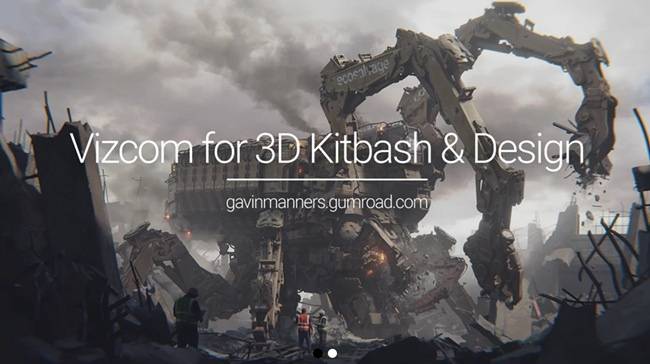
Full process from start to finish of how I took my initial design sketch of the Demolition Recycler made in the sketch tutorial, built up in 3D using Vizcom to generate kitbash parts for use in Blender, and full paint over in photoshop.
In this 3 part tutorial I cover the whole process to create the mech design and the final key frame. I go over my thought process, problems I encounter, my design methodology, solving design issues as I go, full rendering and compositing in Blender and paintover in Photoshop.
隐藏内容
此处内容需要权限查看
会员免费查看说明:本站所有文章资源下载为百度网盘链接,会员不限制免费下载全站资源,资源为网络收集,仅供学习参考!



