
学习使用Adobe Photoshop进行室内设计,无需3D建模。掌握修复工具、内容感知填充、智能对象及生成式填充,快速创建逼真室内视觉效果。适合初学者。
原始标题:Interior Design with Adobe Photoshop
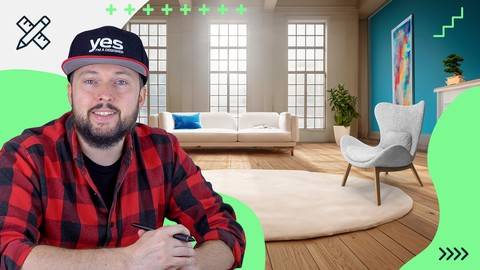
Published 6/2024
Duration: 1h10m | Video: .MP4, 1920×1080 30 fps | Audio: AAC, 48 kHz, 2ch | Size: 1.27 GB
Genre: eLearning | Language: English
Create realistic visuals of interiors in Adobe Photoshop
What you’ll learn
You will learn Retouching photos of interiors using Remove Tool, Healing Brushes
How and when to use the Clone Stamp Tool and Content-Aware Fill
Using Smart Objects to replace surfaces and materials
Using Generative Fill to populate your interiors with furniture, objects and decorations
Requirements
No previous experience necessary to learn from this course
You need Adobe Creative Cloud
Description
Would you like to create realistic visuals of interiors in Adobe Photoshop without any 3D modeling and rendering applications? Learn about the process, theory, techniques and test your skills by working on the class project!
In this course we will learn how to use Adobe Photoshop to create convincing composites of images. We will start with photographs of existing spaces, clean them up by retouching and removing unwanted details and finally we will fill them up with furniture, plants and decorations. We will use features like Smart Objects to simulate perspective, to apply materials to surfaces and we will use adjustments and filters to match lighting and colors between multiple images.
I am Martin Perhiniak (Graphic Designer and Adobe Certified
此处内容需要权限查看
会员免费查看


