
PS AI神技速成:10倍提升工作流
掌握Photoshop AI工具,10倍加速设计工作流。学习生成式填充、对象移除、老照片修复及Adobe Firefly,助力高效创作。
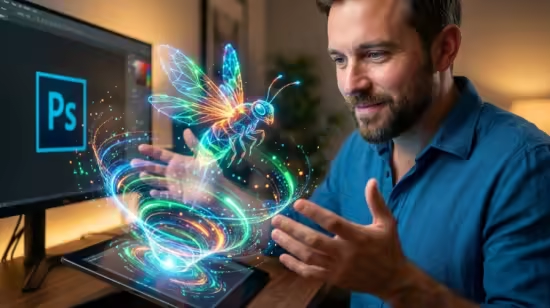
Published 12/2025
MP4 | Video: h264, 1920×1080 | Audio: AAC, 44.1 KHz, 2 Ch
Language: English | Duration: 2h 14m | Size: 2.42 GB
Master Photoshop AI to speed up workflows. Covers Generative Fill, object removal, restoration, and Adobe Firefly.
What you’ll learn
Master Generative Fill to add, remove, or replace elements in an image using simple text prompts.
Use Generative Expand to seamlessly outpaint and extend the borders of any photograph or canvas.
Instantly remove complex distractions, people, and unwanted objects using AI-powered content-aware tools.
Utilize Neural Filters to restore old photographs, remove scratches, and colorize black-and-white images.
Generate high-quality images and backgrounds from scratch using Adobe Firefly and text-to-image prompts.
Perform one-click sky replacements that automatically adjust lighting and color harmonization.
Upscale and enlarge low-resolution images without losing quality using AI interpolation.
Create complex selections and masks for people and objects in seconds rather than minutes.
Requirements
Adobe Photoshop CC: You will need the latest version of Photoshop (Creative Cloud) to access Generative Fill and Neural Filters.
Internet Connection: Many of Adobe’s AI features (like Firefly and Generative Fill) process data in the cloud and require an active connection.
No Prior Experience Needed: This course is beginner-friendly! We bypass the complex manual tools and focus on the intuitive AI features.
此处内容需要权限查看
会员免费查看


