
学习在Unreal Engine 5中为交互式建筑可视化创建主菜单,涵盖动态材质替换、实时物体定制、光照控制、背景音乐及截图功能,含项目文件,时长2小时19分。
原始标题:Unreal Engine 5 – Creating Main Menu for Interactive Archviz
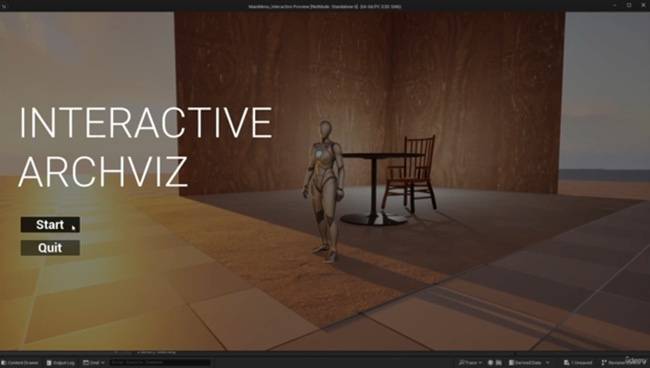
Duration 2h 19m Project Files Included MP4
Unreal Engine 5 – Creating Main Menu for Interactive Archviz
Info:
What you’ll learn
Allow users to dynamically change materials and textures for walls, floors, and furniture.
Enable real-time object customization, letting users swap furniture, decor, or appliances.
Add sliders or interactive controls to adjust the sun’s direction and intensity, simulating various times of the day.
Create an interactive system to turn lights on/off or switch between ambiance presets.
Incorporate immersive background music, with controls to adjust volume, or mute.
Build a clean and intuitive menu system for navigating features like material swaps, object replacements, and lighting controls.
Add a functionality to capture and save screenshots directly from the project.
Include editable project files to allow users to experiment with the implemented features.
此处内容需要权限查看
会员免费查看


