
学习用Unity和C#制作3D无尽跑酷游戏,涵盖角色动画、关卡生成与项目结构,适合初学者。4小时25讲,快速上手游戏开发。
原始标题:Make a 3D Endless Runner in Unity
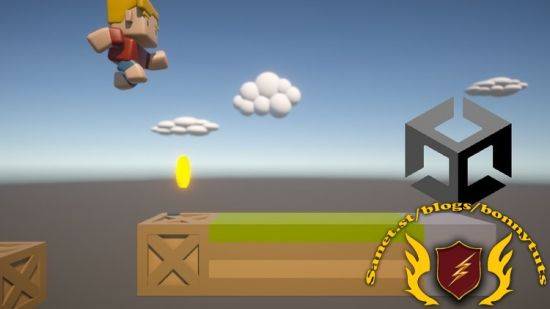
Published 10/2024
Created by Castano Games
MP4 | Video: h264, 1280×720 | Audio: AAC, 44.1 KHz, 2 Ch
Genre: eLearning | Language: English | Duration: 25 Lectures ( 4h 34m ) | Size: 2.5 GB
Covers the basics of Unity and C# development by creating a 3D Endless Runner game.
What you’ll learn:
Learn Unity basics and C# coding
Learn about character movement and animation
Learn how to do simple procedural level generation
Learn how to keep a good project structure
Requirements:
Barely any requirements, but basic knowledge of Unity and programming is helpful
Description:
This course is mainly aimed at beginners of Unity. We will create a 3D endless runner game and I will walk you through the steps on how to create such a game in a simple and straightforward way. I teach in a way that generally expects the student to know the basics of Unity and C#, but the course may be fine even for complete beginners. However, for complete beginners it might be useful to at times pause the course and study certain topics a bit further.A lot of focus is put on keeping a good project structure, and writing code that is structured well and easy to understand. We will use some imported assets from the creator Quaternius, this includes various models and animations.Character movement will be handled using a Character Controller component. Using a Character Controller can many times be preferable because it can be said to be simpler compared to dealing with RigidBody movement, or handling collisions through code.Procedural generation will be implemented in this game, although at a fairly simple level. In this course you will:Learn how to deal with character movement using a Character Controller componentLearn how to implement animations, how to switch between different animationsLearn a simple and straightforward way of doing procedural generationLearn some basics of working with UI in Unity, for example by creating a game over screenLearn C# coding by implementing events, using the standard C# class the EventHandlerLearn good C# coding practices by keeping scripts decoupled
此处内容需要权限查看
会员免费查看


