
Maya 2026进阶教程:深入建模核心
本课程为Maya 2026入门系列第二卷,时长5小时26分,含项目文件。专家Eric Keller带你深入理解构造历史、变换与形状节点,学习自定义界面、热键及多边形建模工具,逐步构建扎实的Maya操作基础。
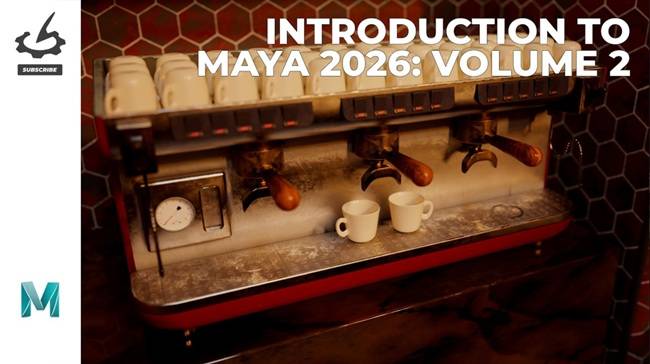
Duration 5h 26m Project Files Included MP4
Title: The Gnomon Workshop – Introduction to Maya 2026 Volume 2
Info:
Introduction to Maya 2026: Volume 2 continues Eric Keller’s series with a deeper dive into how Maya works from a beginner level. Over 25 lessons, Eric explores the concepts of construction history and the difference between transform and shape nodes, aiming to get artists grounded in the Maya toolkit by building a solid understanding of the core tools in this powerful software. Eric provides tips and demonstrations to guide artists through every step, building confidence lesson by lesson.
Volume 2 begins with lessons on customizing the Maya interface to match your working style. Artists will learn to create custom hotkeys, shelf buttons, and marking menus before taking a close look at the modeling toolkit, which is the heart of polygon modeling in Maya. Eric demonstrates how to set up image planes and then walks through building a model, exploring some of Maya’s more advanced tools and workflows. Learn the difference between polygons and NURBS surfaces, how to use curves, and how to master Maya’s new remeshing and retopology tools. The second volume concludes with an overview of deformers, weight painting, and the all-important basics of creating animation rigs in Maya.
The variety of projects demonstrated makes Eric’s lessons engaging and reinforces fundamental concepts. Eric has provided project files that artists can use to follow along with the lessons. Simply use the included scene files for practice as you develop your skill set in line with entertainment-industry standards.
Be sure to watch Introduction to Maya 2026: Volume 1 for a comprehensive guide featuring 20 in-depth lessons that walk artists through the Maya interface and navigation, and detail the essential editors required to build professional-looking 3D models and scenes.
此处内容需要权限查看
会员免费查看


