
Blender中文3D标志设计教程
学习用Blender将2D标志转为专业3D标志,从零开始创建品牌标识。本教程适合新手,覆盖材质、灯光和渲染,助你做出作品集级3D标志展示。
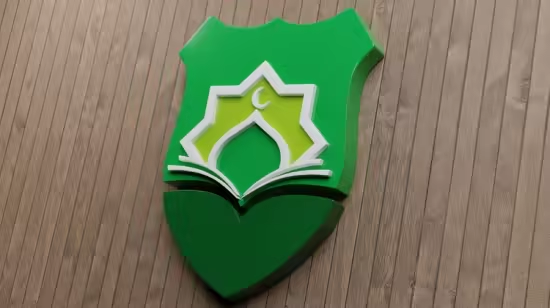
Published 4/2026
MP4 | Video: h264, 1920×1080 | Audio: AAC, 44.1 KHz, 2 Ch
Language: English | Duration: 1h 46m | Size: 2.51 GB
Learn 3D logo Design in Blender
What you’ll learn
Convert any 2D logo into a professional, realistic 3D logo using Blender
Design and build complete 3D brand identities from scratch
Apply materials, lighting, and rendering techniques for high-quality results
Create portfolio-ready 3D logo presentations for clients and real projects
Requirements
No prior experience in Blender is required — this course is beginner-friendly , A computer or laptop capable of running Blender (Windows, Mac, or Linux)
Description
This course is built around a simple idea: learning by doing. Instead of فقط شرح نظري، we will work together on real projects خطوة بخطوة to help you understand the full workflow of creating professional 3D logos using Blender.
In the first chapter, we start with a practical project where you will design a complete 3D logo for a library. We will go from a simple concept to a polished final result, focusing on shaping the logo, adding depth, and presenting it in a clean and realistic way.
In the second chapter, we move to a different style and challenge. You will learn how to create a 3D Arabic logo for a website, with a detailed, step-by-step explanation. This part is especially useful if you want to work with Arabic typography and turn it into a strong visual identity.
To make the learning process easier, you will have access to all reference images and project files, so you can follow along without confusion and focus on practicing.
By the end of this course, you will feel more confident working in Blender and creating 3D logos from start to finish
此处内容需要权限查看
会员免费查看


